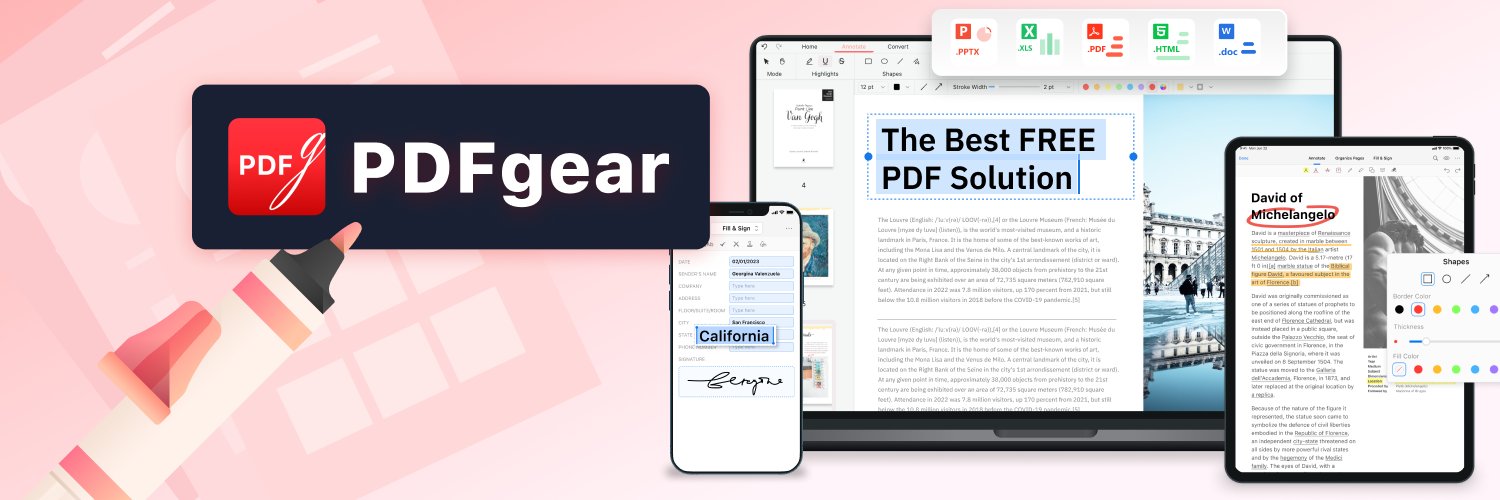
This is the PDF editor you’ll keep using. Powerful, Free, No ads. Works on Windows | Mac | iOS | Android🖥️📱 👉https://teapawt.net/t.co/uAQzKrkrE0
Singapore
Joined April 2023
- Tweets1.3K
- Following72
- Followers7.4K
- Likes1.1K




Pinned Tweet
If you haven't heard of PDFgear before, here's a little more about what we do and why.
We made PDFgear free because we felt basic PDF tasks, from simply viewing to editing text, shouldn't be something people have to pay for. Everyone should be able to get these basics done without worrying about the cost.
Since launching PDFgear, we've received plenty of feedback through our inbox and social media. Hearing directly from users helps us spot the little things that are easy to overlook and find ways to improve. There's always more to learn.
We may introduce paid features in the future, but the goal will always be to make working with PDFs easier.
For anyone just discovering PDFgear, we hope this review gives you a better idea of what it can do and how to use it in your everyday work.
makeuseof.com/pdfgear-free-p…


Want to ditch Adobe Acrobat and enjoy a better PDF editing experience? Here's how to get started with PDFgear(free of charge, no sign-up required).
#bestfreepdfeditor #pdfgear
PDFgear is a completely free PDF editor available for Windows, Mac, iPhone, iPad, and Android.
Download and install PDFgear (free of charge, no sign-up required)👇
Windows: pdfgear.com/pdfgear-for-wind…
Mac: pdfgear.com/pdfgear-for-mac/
iPhone & iPad: pdfgear.com/pdfgear-for-ios/
Android: pdfgear.com/pdfgear-for-andr…
PDFgear retweeted
No worries. Since your certificate was scanned, it's basically an image, so the text isn't directly editable. Try pdfgear.com/pdf-to-word/ Open the original PDF and convert it to Word using Advanced Mode (OCR). It'll recognize the text and turn it into editable content. Hope this saves you some time!

PDFgear 3.0 is now live on Windows!
Open multiple PDFs in one window.
Find your PDF tools even faster.
Convert complex PDFs easily and accurately.
Enjoy a fresh look with smoother navigation.
Level up for free!👇
pdfgear.com/
Feels like every app is racing to add AI while the basics still need work. We're trying to get those basics right with PDFgear, including PDF to Word conversion that actually preserves formatting. Feel free to try our desktop app or online tool. OCR included, free, no strings attached.
pdfgear.com/pdf-to-word/

At this rate, opening a PDF will be subscription-based too.

Your fav PDF editor just got even more powerful!
-Switch between PDFs without juggling windows
-Redesigned home to find your files and tools faster
-Enjoy a cleaner, more modern interface
And much more to explore!🕵️

PDFgear for Windows 3.0 now supports multiple tabs! 🎉
Open multiple PDFs and switch between them in one window. All for free.
pdfgear.com
PDFgear retweeted
PDFgear for Windows 3.0 now supports multiple tabs! 🎉
Open multiple PDFs and switch between them in one window. All for free.
pdfgear.com
PDFgear for Windows 3.0 now supports multiple tabs! 🎉
Open multiple PDFs and switch between them in one window. All for free.
pdfgear.com
PDFs contain much more than just text.
Converting PDFs to plain text or Markdown for AI processing can lose valuable information, including document structure, annotations, and metadata.
An insightful FAQ from the PDF Association on why this matters for AI.
pdfa.org/faq-ai-and-pdf/
"PDFgear for Android is one of those productivity apps that mindlessly integrates into your workflow without friction, does its job, and gets right out of my way."

These 5 apps truly elevated my life, and I couldn’t be more thankful androidauthority.com/apps-th…

You do not need an Adobe Acrobat subscription for every PDF task on a Mac. Check out the free Mac PDF editor options.
Best PDF Editors for Mac Without a Subscription (source: The Mac Observer)👇
macobserver.com/macos/best-s…
