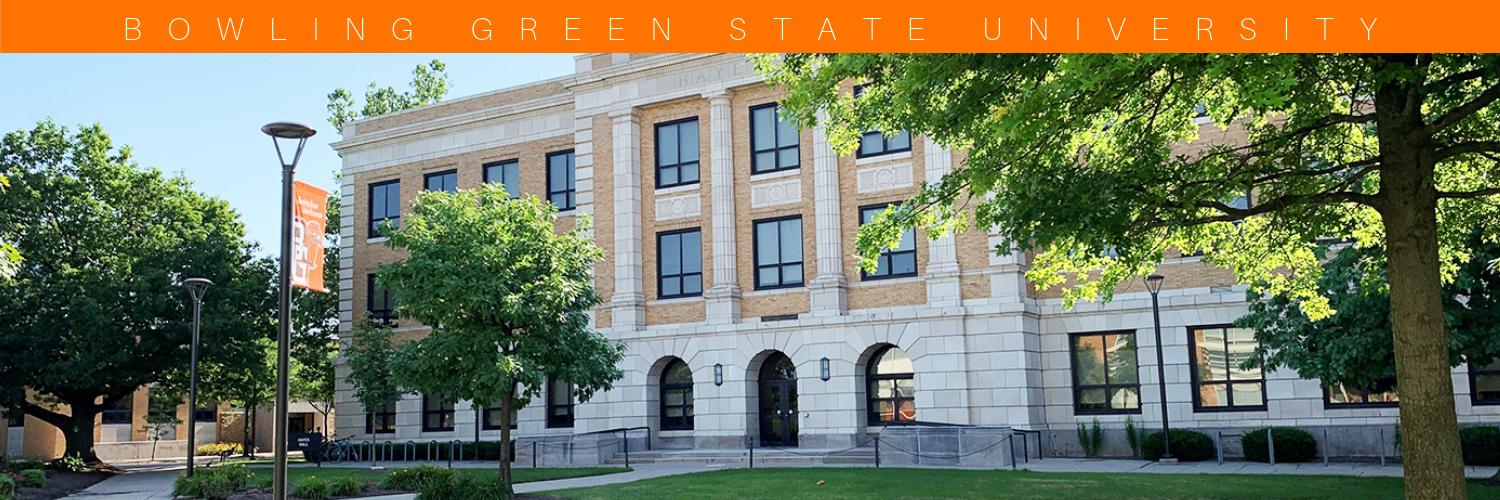

Establishing and supporting an environment in which the application of technology enhances and improves teaching, learning, research & university operations.
110 Hayes Hall
Joined May 2013
- Tweets2.1K
- Following189
- Followers634
- Likes220
Keep the 3 Rs of Cybersecurity in mind all year long: REDUCE vulnerabilities by keeping your devices, software, and accounts protected and up to date. REPLACE end-of-support devices before they become an easy target. REPORT suspicious messages.
1
23
R#3: When in doubt, report it! Phishing can come through email, text, or phone calls. If something seems suspicious, don’t click links or share sensitive information. Use the Report Message button in Outlook or forward the message to [email protected].

18
R#2: Replace outdated technology. Devices that are no longer supported may not receive important security updates, leaving them more vulnerable to attacks. If your device is at the end of its support life, it may be time for an upgrade.

14

October is Cybersecurity Awareness Month! Cybersecurity is very important. From protecting your accounts to recognizing suspicious messages. Follow to learn small steps to help keep you and others safe online.
We're focusing on the 3 Rs of Cybersecurity: Reduce. Replace. Report

18
Hey Falcons! Watch out for phishing emails/scams, including “smishing” (text message phishing attempts). If you receive a message that is out of place, littered with mistakes or seems suspicious, report it to ITS ([email protected]). Stay safe out there!!

29
Falcons, did you know that a variety of software is available for use in various BGSU computer labs? Software like the Adobe Creative Cloud Suite, AutoDesk AutoCAD and Revit, Final Cut Pro, IBM SPSS, MatLab, R, Respondus Lockdown Browser, SAS, STATA and more.

36
Hey Falcons! Looking to connect your devices to Wi-Fi while on campus? The recommended campus wireless network for students is eduroam. Visit bgsu.edu/getconnected for instructions on getting your device connected.
30
ITS is here to help! If you have questions, call our service desk at 419-372-0999, chat with us online or search our Knowledge Base for self-help articles. Hands-on support sessions for wireless troubleshooting and device repair drop-off/pickup are also available by appointment.

32
The ITS Service Desk is looking to hire student staff to start this fall! Are you detail oriented, customer focused, and familiar with a computer or mobile device operating system? Then you should apply today at bgsu.edu/its/workoncampus! The app is open now through Sept. 6.

ITS is looking to hire student staff starting this summer! For more details visit bgsu.edu/its/workoncampus. Apply by July 3rd. @bgsu

29
Multiple ITS teams are looking to hire student staff to start working this summer! For more details and to apply, visit bgsu.edu/its/workoncampus.
#ITS #bgsu #WeAreHiring

27
Keep your mobile device updated to access BGSU apps like Duo, Outlook, Student Printing, & Canvas. Using updates enhances security, protects data, and improves overall performance. For more information visit bgsu.edu/its/campus-update/m…
#GoUpdateYourDevice #BGSU #ITS

25

We are hiring students to begin working this spring! The app is open until March 2nd & starting rate is $12/hr. Visit bgsu.edu/its/workoncampus to apply.
40
Welcome to campus #FutureFalcons! Be sure to come see us in the BTSU ballroom to learn about how ITS can help you thrive during your time @bgsu! :)

38

