

Lead school in the @CompAtSch Network of Excellence. @2SimpleSoftware Centre of Excellence.
Joined September 2014
- Tweets2.4K
- Following511
- Followers549
- Likes1.6K
💐 A HUGE #TeamNBPS #ThankYou to the teams @microbit_edu & @Nominet for the delivery of these #Marvellous #MicroBits @NewBrightonPS! Year 6 will enjoy using them for their @WeAreComputing @RaspberryPi_org #Programming unit soon! #ThankYou

🐱 Class 6 @NewBrightonPS enjoyed using @ScratchJr in their #computing lesson this morning @WeAreComputing @RaspberryPi_org.
Available to download #Free:
▶️Google Play: https://teapawt.net/t.co/tGiK8PcarM
🍎App Store: apple.co/3Lm1qjJ
💻 Laptops: https://teapawt.net/t.co/8K5ezktw2E 🙌🏻


🐓 Foundation 2 @NewBrightonPS have been creating Hattie Peck games this morning in @purpleMash. We thought they were so good that you might like to have a go too! Click here: purplemash.com/?~c3c9NDk4OTg… 👏🏻 Well done F2! @2SimpleSoftware

👏🏻 This week Class 6 @NewBrightonPS created pictograms physically and then used @just2easy_com to create them on-screen. Finally, the children used their data to answer questions @Showbie. Well done everyone! @WeAreComputing @RaspberryPi_org #computing #nbpsMaths


🙌🏻 Class 6 @NewBrightonPS have been collecting data by creating tally charts. They used their tally charts to answer questions in @Showbie. 👏🏻 Well done Year 2! #computing #nbpsMaths #Wirral @WeAreComputing @RaspberryPi_org


👏🏻 Year 6 @NewBrightonPS have been busy designing and building their own World War 2 #websites using @Google #sites @WeAreComputing. A great start to the unit Year 6! 👍🏻


🐝💻Class 6 @NewBrightonPS used the 🐝Bee-Bots🐝 to investigate whether using the same commands in a different order had the same outcome @WeAreComputing. Saved & shared @Showbie 🙌🏻 #Computing #Wirral


👏🏻 Class 20 @NewBrightonPS have been busy this week bringing their #nbpsDT #nbpsHistory tanks to life using @RedfernElec crumbles in #computing - building on their knowledge from year 5 @WeAreComputing. 🙌🏻 @elsenderteaches


📸 Once C21 @NewBrightonPS had made their #nbpsDT models move & light up they created @Apple #iMovies & saved & shared @showbie. 👏🏻 Well done year 6! 🙌🏻 @WeAreComputing @Raspberry_Pi @RedfernElec
👏🏻 Class 21 @NewBrightonPS have been making their DT tanks come to life with @RedfernElec crumbles.The session built on from knowledge gained in Y5 @WeAreComputing @Raspberry_Pi sessions & C21 took on the challenge of making their tanks move & light up.👏🏻#nbpsDT #Programming


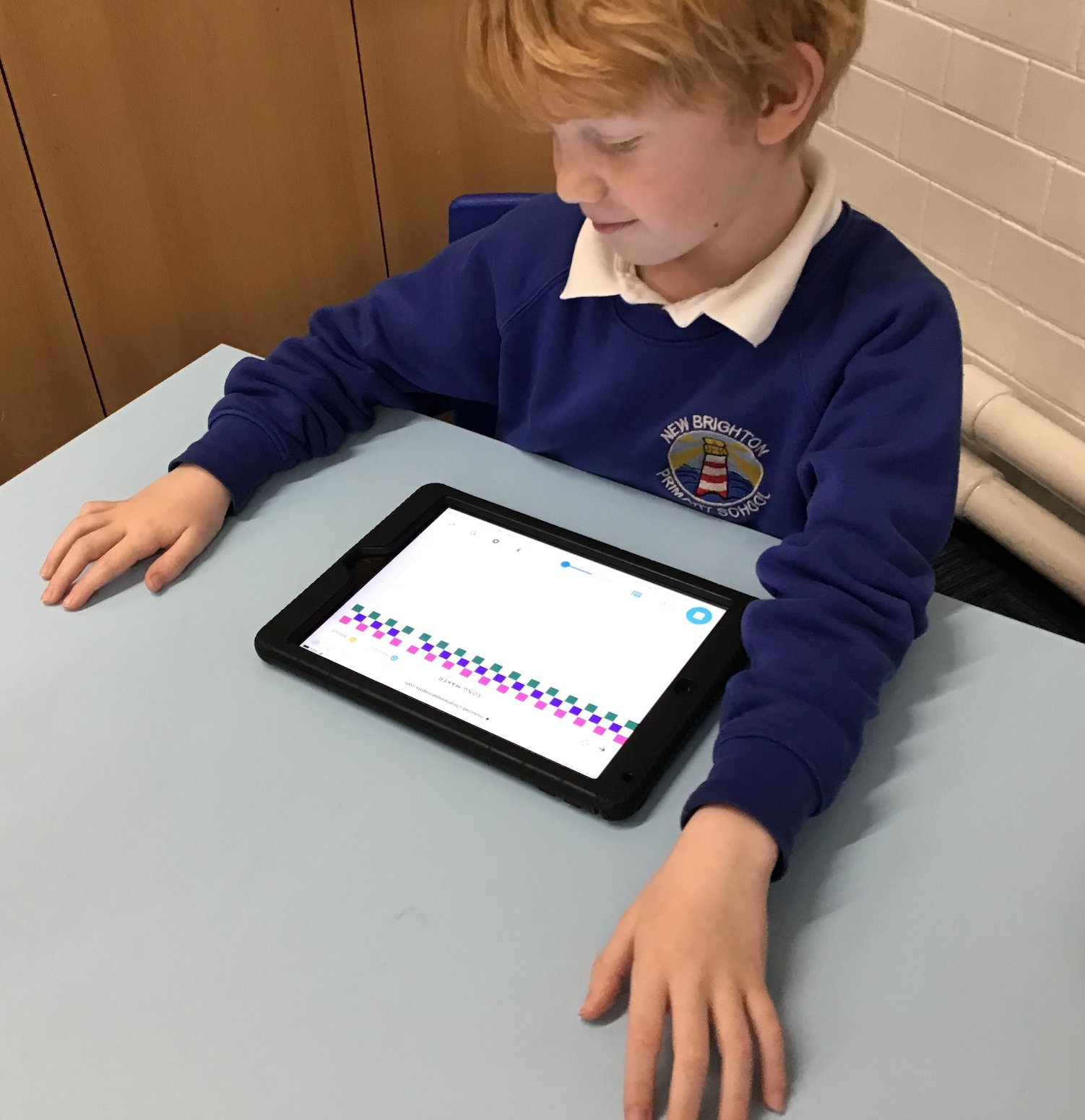
🎵 This week Class 6 @NewBrightonPS have been busy creating their own #Digital #Music using @Google #ChromeLab. 👏🏻 You can listen to an example of their work here: musiclab.chromeexperiments.c… Saved & shared @showbie 👏🏻 @WeAreComputing @Raspberry_Pi 🙌🏻


🎨🎵 Class 6 @NewBrightonPS listened to 'Neptune' by Gustav Holst and created their own musical composition art in @showbie. A lovely idea @WeAreComputing @Raspberry_Pi. #nbpsArt #nbpsMusic


🚨 Have you tried #ChromeMusicLab musiclab.chromeexperiments.c…? Class 6 @NewBrightonPS have been enjoying using the different tools to make music @WeAreComputing @Raspberry_Pi. 🙌🏻 #nbpsMusic


👏🏻🎵 Class 6 @NewBrightonPS enjoyed creating & playing musical patterns before making digital music on the #iPads. @WeAreComputing @Raspberry_Pi #nbpsMusic


