

Free and open source markdown editor. Zero-knowledge, end-to-end encrypted notes, tasks, journals, files, passwords and contacts in one app. No subscription.
Zurich
Joined April 2026
- Tweets134
- Following114
- Followers1.1K
- Likes69





New: Arrange the toolbar of the editor in Settings -> Toolbar: put each button on the bar, in the "+" menu or out of sight, in your own order. try.privacynotes.app

Your vote decides which community themes PrivacyNotes shows first. New: Stranger Notes, Harry Noter, Note Boy, Zelda -> github.com/LifetimeLabsDev/P…

PrivacyNotes now ships with 18 themes in total. Submit your community theme today -> privacynotes.app/themes

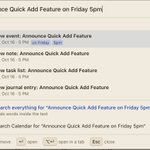
New: Quick switcher for items, files, settings and commands -> privacynotes.app/changelog#v…

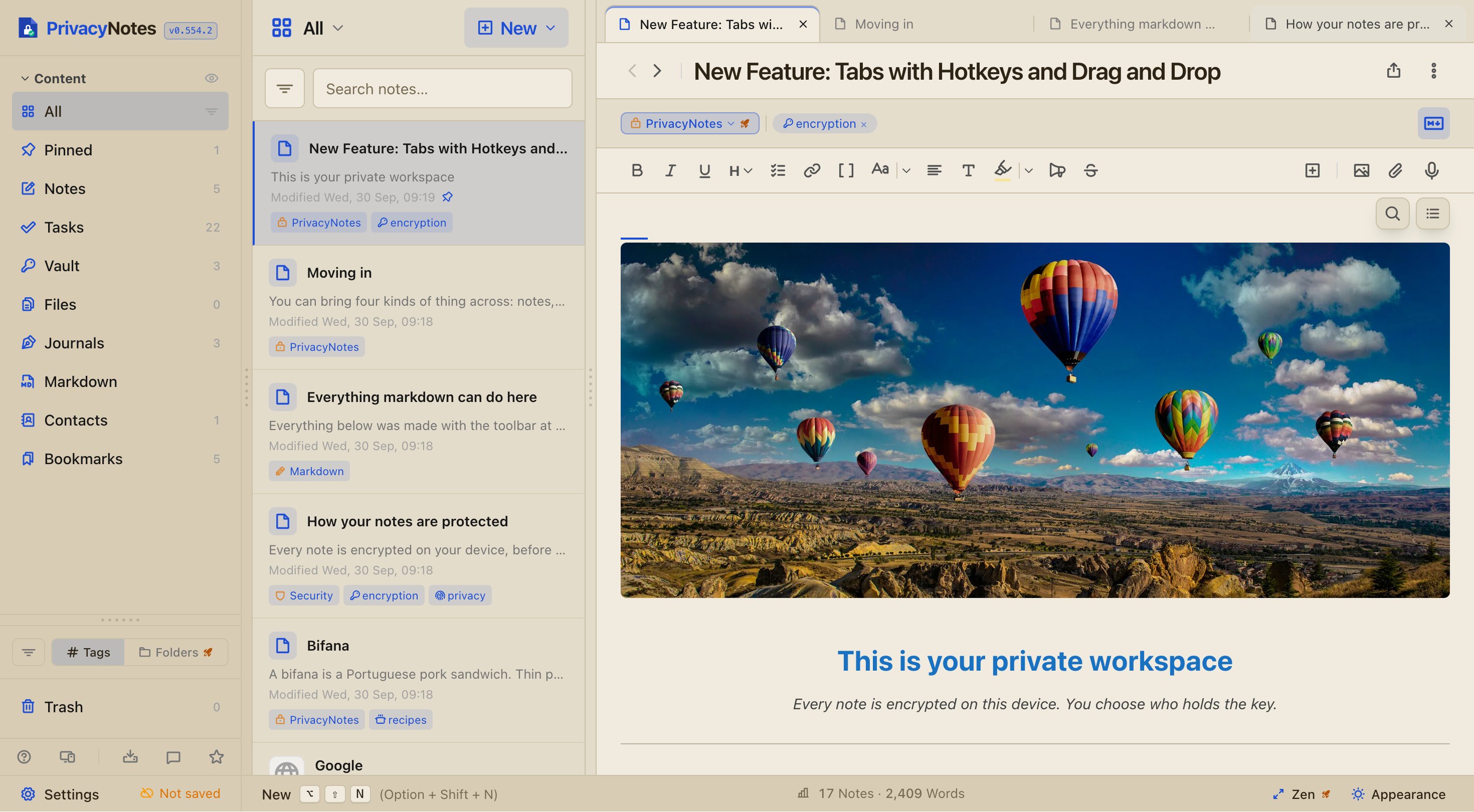
New: PrivacyNotes now supports Tabs on desktop and tablets. They feel just like in your browser. Sort via drag, pin and color coding as a bonus. Demo: try.privacynotes.app
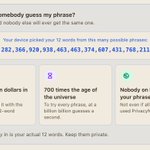
Megathread: Your 12-word phrase explained, privacy, security and recovery
-> reddit.com/r/PrivacyNotes/co…


PrivacyNotes retweeted

PrivacyNotes : Notes. Tasks. Files. Vault. Zero knowledge. One encrypted place for everything you’d never post. Encrypted on your device before it goes anywhere.
privacynotes.app/

PrivacyNotes retweeted

Your notes app probably knows more about you than your bank.
Every note, password, and journal entry usually starts with the same risk: an email and password that can be leaked.
PrivacyNotes removes that completely.
What makes it different:
• No email or password, just a 12-word recovery phrase.
• End-to-end encryption with XChaCha20-Poly1305.
• Notes, tasks, passwords, journal, and bookmarks in one app.
• Import from Apple Notes, Google Keep, Evernote, and Bitwarden.
• Works on Windows, Mac, Linux, Android, iPhone, and the web.
• Fully open source, so anyone can verify the code.
Your notes are encrypted on your device before they ever reach the server.
Source: GitHub - LifetimeLabsDev/PrivacyNotes.app
Would you trust a 12-word phrase more than a traditional account?


New: You can now adjust the line spacing and what the app shows upon start. Both in Settings -> Appearance.
privacynotes.app/changelog


New: Our password generator just received a massive update. It now supports passphrases and color highlighting, and shows password strength in bits. Demo: try.privacynotes.app

