

Save the keyboard shortcuts you want to remember. A simple, utility app to get more productive in your daily tasks. Available for macOS and Windows.
Joined September 2021
- Tweets62
- Following60
- Followers32
- Likes1





Pinned Tweet
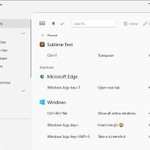
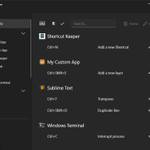
Shortcut Keeper is a simple macOS app that lets you store the keyboard shortcuts you use daily in your apps.

Menu bar icon is here!
With just a click, you can now instantly view all your saved shortcuts for the app you're currently using, without even switching to Shortcut Keeper.
Update to version 2.0.0 and access your saved shortcuts even faster!
The menu bar popover lists your saved shortcuts for the current app.
You can also sort them, set your display preference, and select between light/dark theme.
Get Shortcut Keeper for macOS from the Mac App Store: apps.apple.com/us/app/shortc…

1
1
95
New feats! You can now:
✅ Move your mouse over an app's icon to:
- Edit the associated app.
- Duplicate all its shortcuts.
- Delete all its shortcuts.
✅ Easily drag and drop shortcuts to reorder them.
✅ Hold Command and tap to select multiple shortcuts.
Update! Version 1.6 is now available and brings:
- Native support for Apple silicon (M1 Macs).
- Double-clicking on a shortcut now brings app its Edit menu.
- Bug fixes and visual improvements.


Use your keyboard to navigate Twitter!
The basic ones:
J > Next Tweet
K > Previous Tweet
Enter > Expand Tweet
L > Like
T > Retweet
G + H > Go Home
Save additional ones in @ShortcutKeeper!

1
Version 1.4.0 is also live on Windows, bringing new features, including:
✅ The ability to add shortcuts for any app, in case it's not included in the default 900+ apps list:


Version 1.4.0 is now live, bringing new features, including:
✅ The ability to add shortcuts for any app, in case it's not included in the default 900+ apps list:


Windows app updated! 🚀 Version 1.3.0 is out and brings a lot of new stuff:
- Shortcuts for Shortcut Keeper! 🙃 You can use:
Ctrl + N to add a new shortcut.
Ctrl + D to duplicate a shortcut.
Del to delete.
Alt + E to edit a shortcut.


Update! 🚀 Version 1.3.0 is out and brings many features and improvements:
- Shortcuts for Shortcut Keeper! 🙃 You can use:
⌘ N to add a new shortcut.
⌘ D to duplicate a shortcut.
D to delete.
⎇ E to edit a shortcut.
⌘ , to go to the settings screen.


Shortcut Keeper is now available on Windows as well!
Get it from the Microsoft Store: microsoft.com/store/apps/9ns…
There is also a 7-day free trial that you can use to check it out!


Version 1.2.1 of Shortcut Keeper is live‼️
Bringing bug fixes and improvements to the UI, to make sure your keyboard shortcuts list looks great! ⌘✅⌘

Version 1.2.0 of Shortcut Keeper is now live!
· Using the global shortcut (default: Command-Option-K) to bring Shortcut Keeper to the front, now automatically displays shortcuts you have saved for your active app.

1
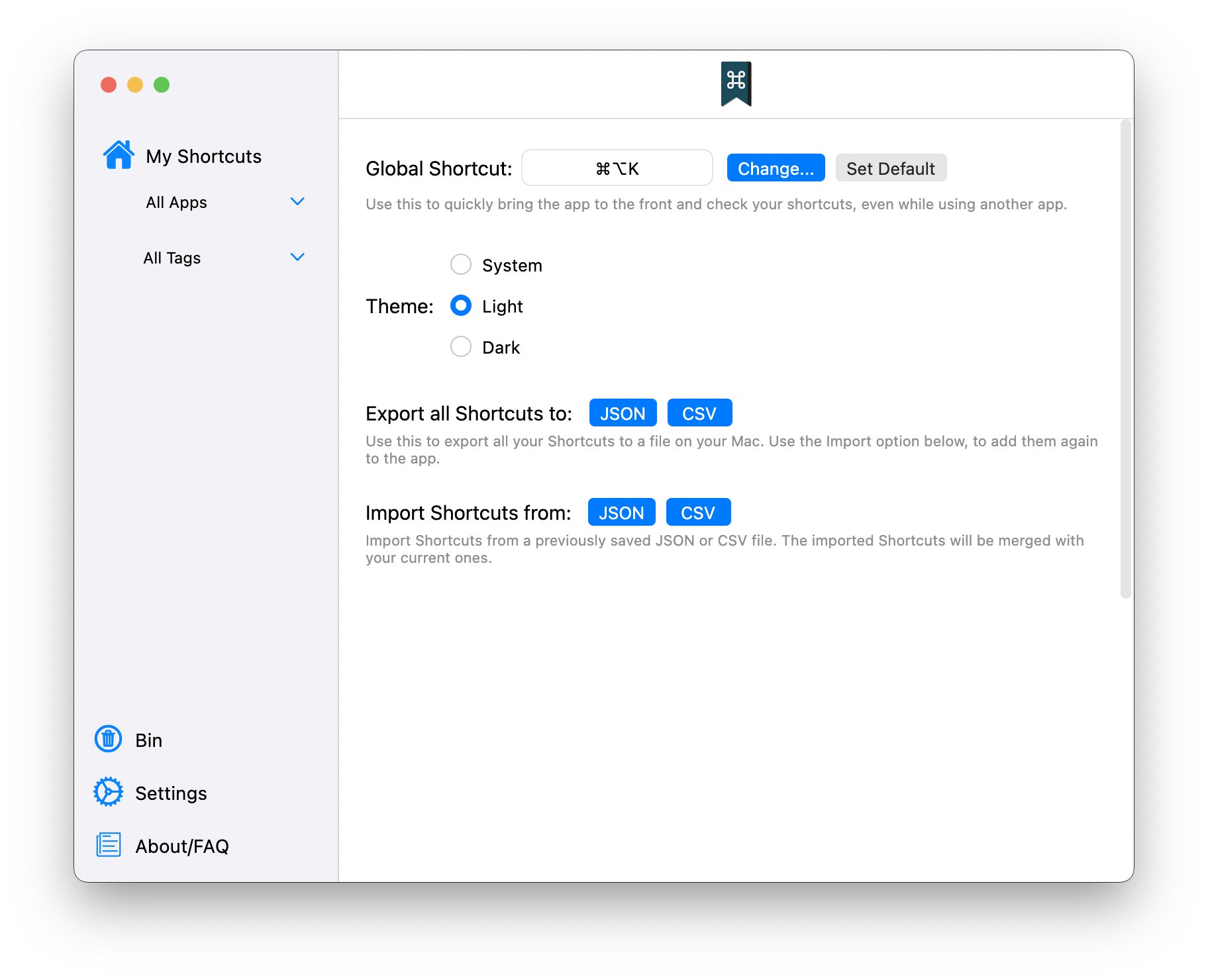
Version 1.1.0 of Shortcut Keeper is out:
- Bring it to the front! You can now use Command-Option-K (or the shortcut of your choice) to bring the app to the front and quickly check your shortcuts, even while you are using another app.


It's been almost 48 hours since the app launched, and we already have our first 3 users!
Hope you really birds enjoy the app; I am eagerly awaiting your feedback!

1